
Contact Server Admin
This section covers contacting server administrator.
Contact Administrator
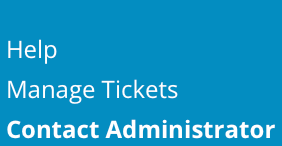
To contact server administrator, sign into the control panel and then click on the "Support & Help" icon, followed by the "Contact Administrator" link.

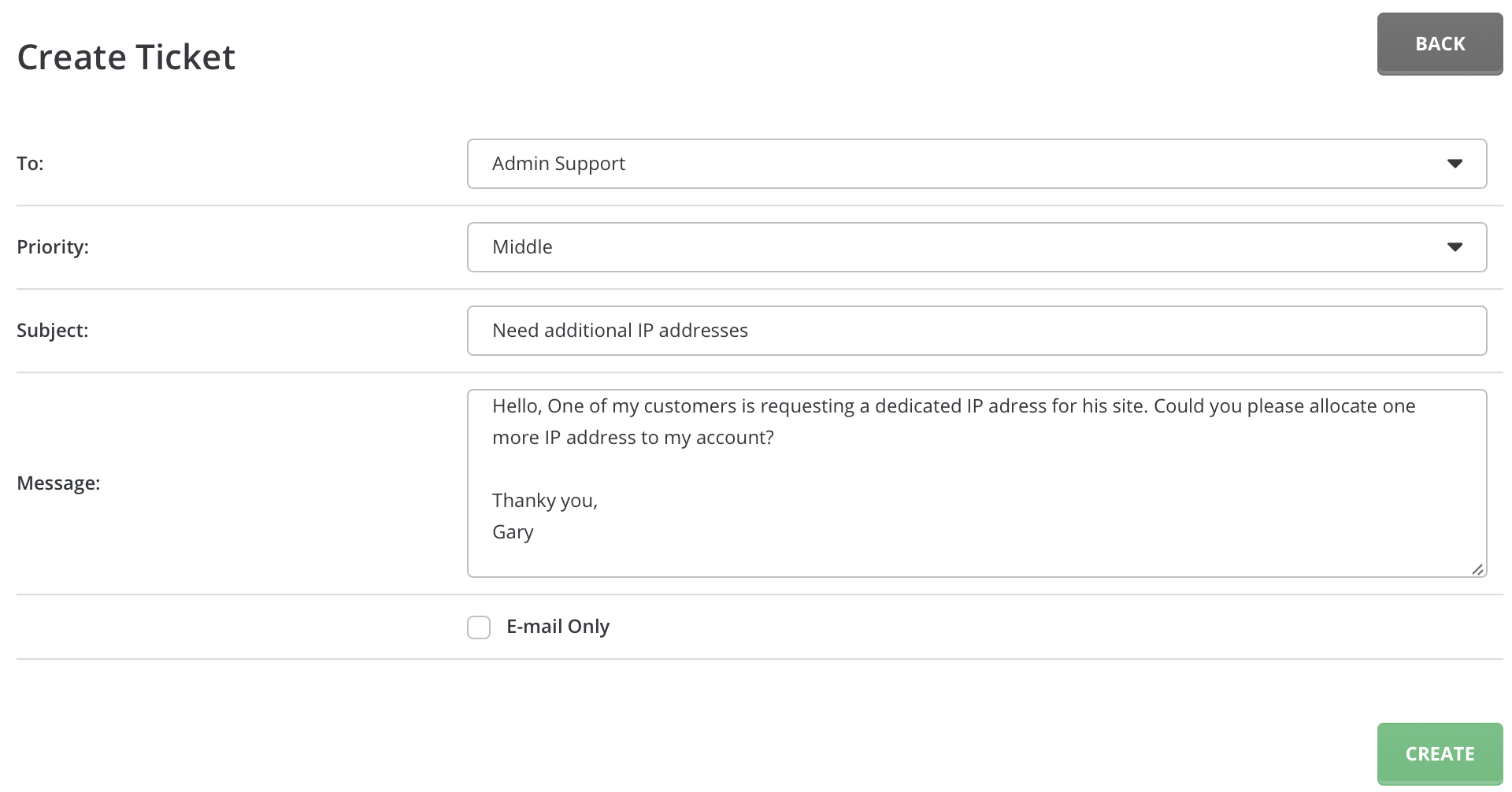
The "To:" field will be preset to "Admin Support". Select the message priority, message subject, and type your support request into the message body. Click the "Create" button when you are finished.
The server Admin will receive the message through the control panel's built-in message system.
Need more help?
Please contact your hosting company for more assistance, or visit the DirectAdmin support forum at http://forum.directadmin.comopen in new window.